Batch Image Resize
Batch resize images by width, height, long edge, or short edge, and either replace the source file or import the result as a new Eagle item.
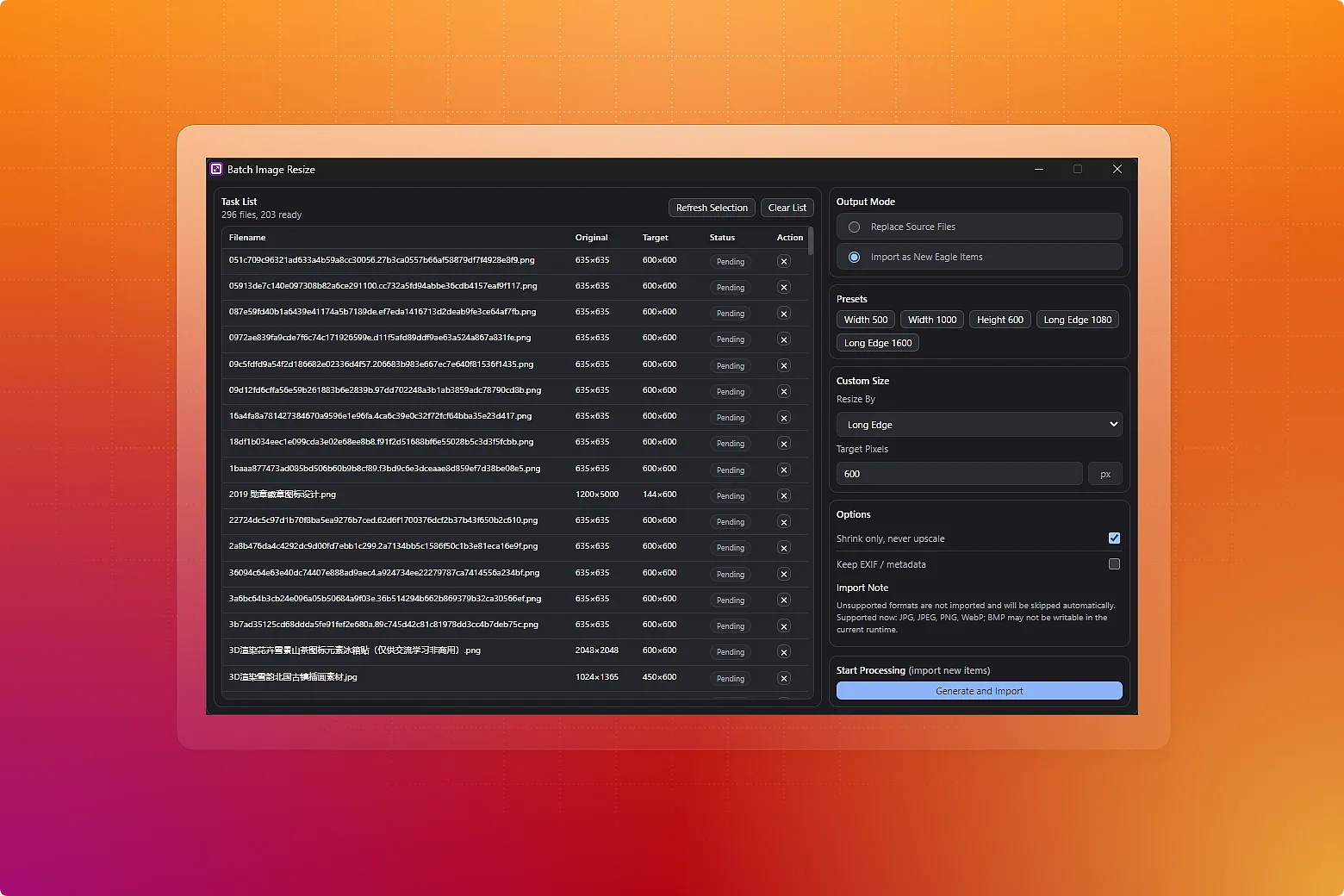
- Select images in Eagle, Refresh selected items in the plugin.
- Choose the output mode, resize rule, and processing options.
- Start the batch and wait for the floating progress bar at the bottom center.
- Review success, skipped items, and failures in the result panel.
v1.0.0
2026-04-14
- Batch resize Eagle images by width, height, long edge, or short edge.
- Load tasks from the current Eagle selection or by dragging local images into the plugin window.
- Replace the source file or import the resized result as a new Eagle item.
- Manage the processing list, track progress, and review result details.
你可能也喜歡


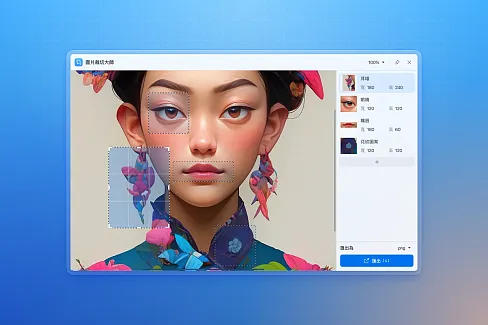

圖片裁切大師
快速框選多個區域,一鍵匯出。

Eagle App
55
81.3K