SD Prompt Extractor
Extracts ComfyUI and A1111 generation metadata into Eagle annotations for easier prompt and parameter search, filtering, and review.
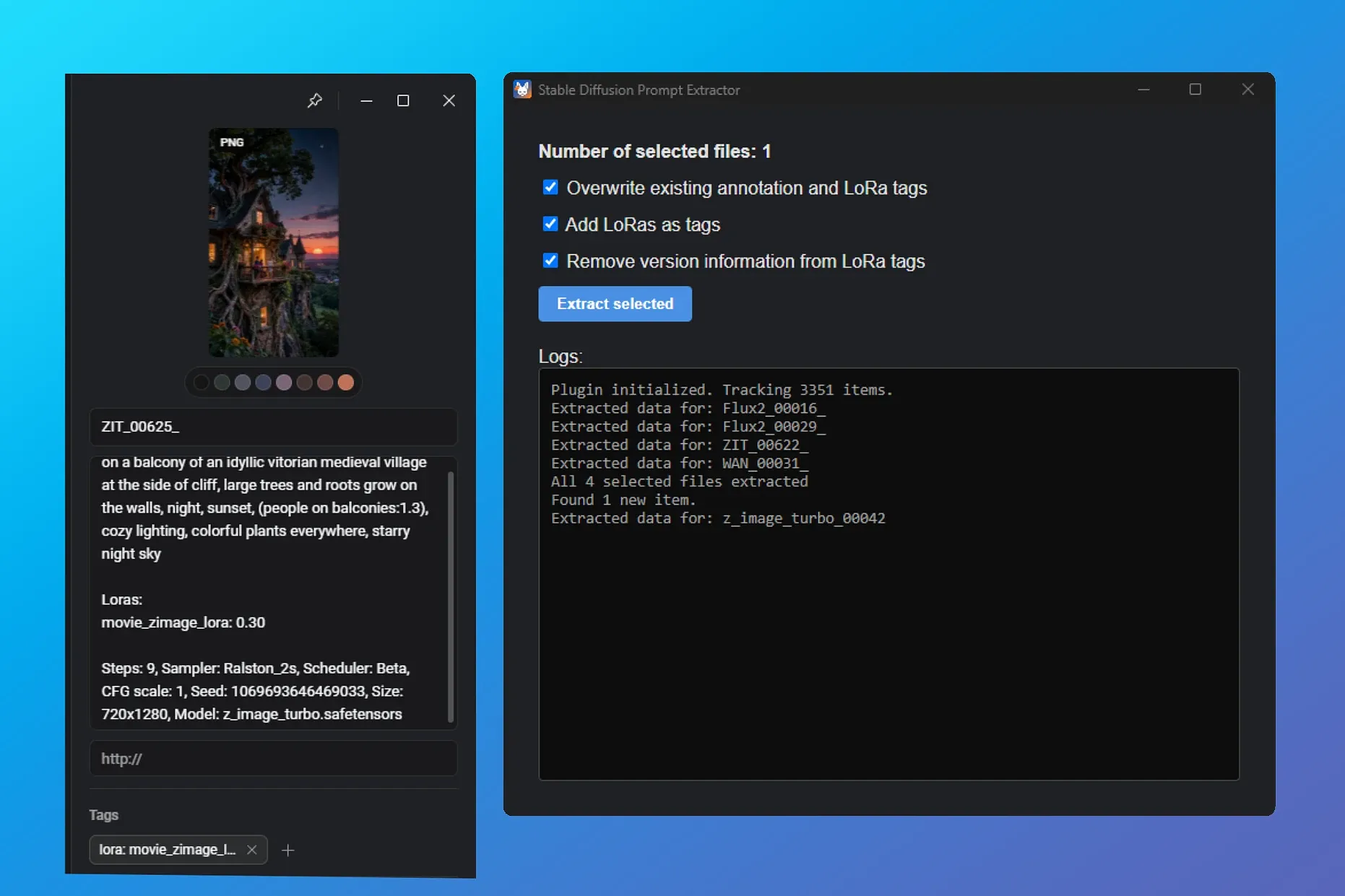
SD Prompt Extractor reads generation metadata from supported AI-generated images and videos and writes it to Eagle annotations.
How it works
Automatically monitors and processes newly imported items. Lets you manually process selected existing items. Uses the same persistent settings in both modes.
What it extracts
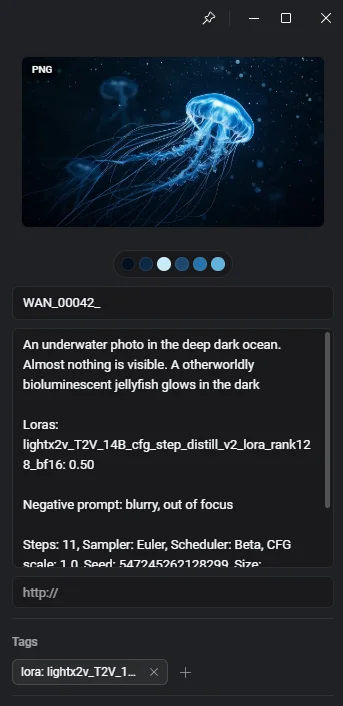
Supports ComfyUI and A1111 metadata. It records positive and negative prompts, sampler, scheduler, steps, CFG, seed, model, dimensions, and LoRA weights in the annotation.
Options
Add LoRA tags: Optionally adds detected LoRAs as Eagle tags.
Overwrite: Off by default; existing annotations are replaced only when you explicitly enable it.
Remove version information: Off by default; enable it to clean version markers from LoRA tag names.
Supported files and size limit
Supports PNG, JPG, and JPEG images, plus MP4, MKV, WebM, and MOV videos. Files over 500 MB are skipped.
Graph-based main sampler detection: Tracing the image backwards from the output node instead of guessing by step count. Multi-pass workflows (face detailers, upscalers, turbo model + enhancer combos) should now correctly report the settings of the base generation pass.
Graph-based prompt detection: Positive and negative prompts are now read by following the main sampler's conditioning connections instead of sorting prompts by length if positive/negative was not in the title. This means no more swapped prompts when the negative is longer than the positive, no more prompt leaking from detailer/refiner passes, and correct empty negatives (ConditioningZeroOut).
Videos are no longer read fully into memory: Only the metadata region is read: the moov box is located by walking the file structure, and Matroska files are scanned from the header.
Safer tag removal: When overwriting, only tags the plugin can re-derive from the file's own metadata are removed. Tags you created yourself, or that other plugins created, are left alone.
Settings are remembered between sessions and now apply identically to manual extraction and background processing.
Prompts connected via primitive/string nodes (e.g. PrimitiveStringMultiline) are now traced correctly instead of coming out empty.
Fixed initialization when switching libraries.
Fixed metadata not being extracted from some videos (e.g. LTX) when the file contained both a workflow and a prompt.
Added multi-language support (English, Simplified Chinese and German).
- Fixed timing/overwrite issue: Automatically imported A1111 images (and ComfyUI images with embedded workflows) should no longer occasionally revert to raw, unformatted metadata in the annotation field. If you're still having problems, you can re-extract them using the plugin window.
- Robust JSON parsing: Improved handling of ComfyUI stringified JSON metadata.
- Added support for the ImpactWildcardProcessor node (part of a popular Anima workflow).
- Added support for reroute nodes.
Initial release
- Automatic metadata extraction for newly imported files
- Manual batch extraction via the plugin window
- LoRA tagging with optional version stripping
- Supports ComfyUI, AUTOMATIC1111 and forks
- PNG, JPG, MP4, MKV, WebM, MOV