Video Downloader
Download videos from YouTube, Twitter, TikTok, Bilibili and 1000+ other sites directly into Eagle.
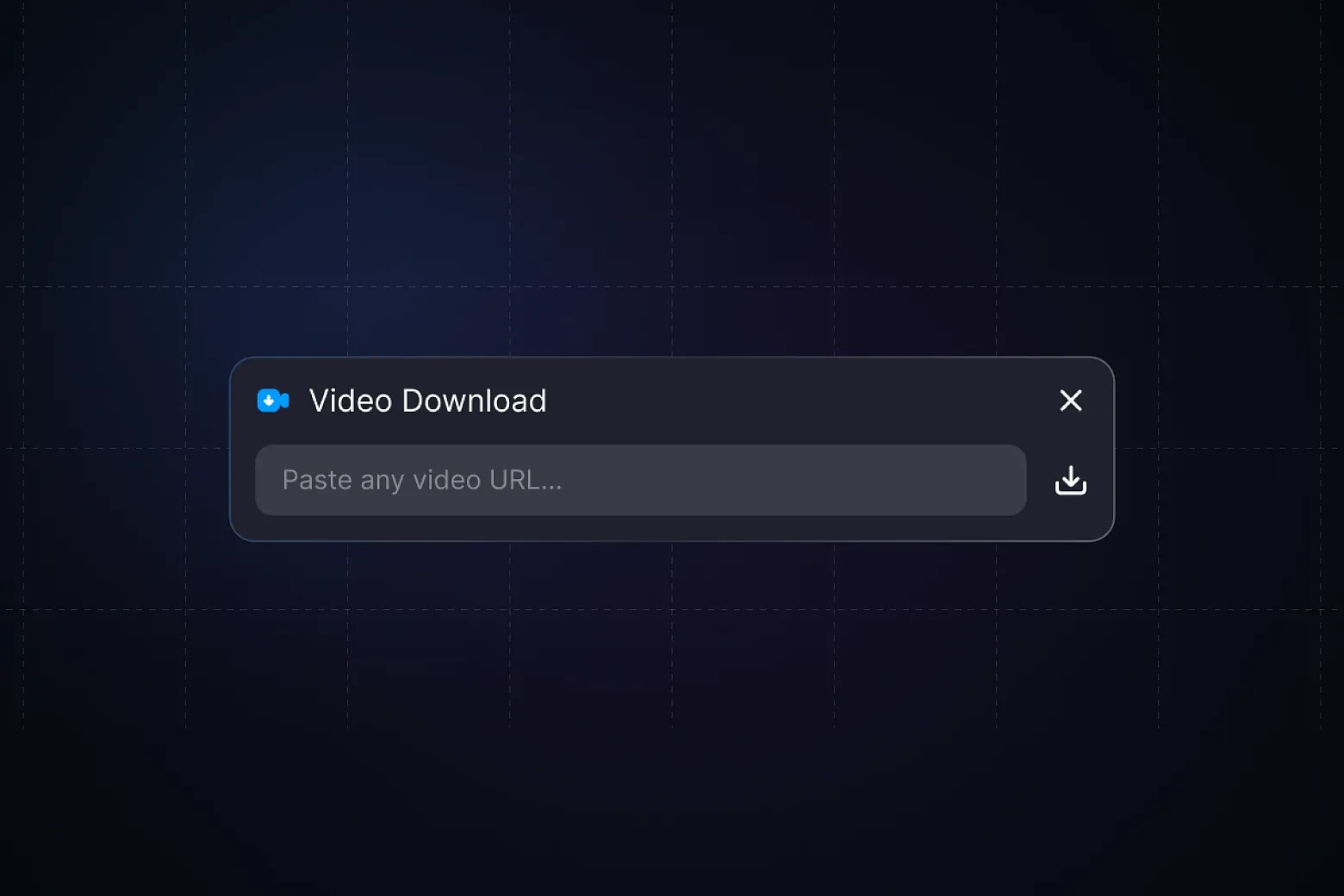
Download videos from YouTube, Twitter / X, TikTok, Bilibili, Instagram, Vimeo, and 1000+ other websites directly into Eagle. Metadata including title, uploader, and source URL is saved automatically.
Built on yt-dlp and uses Eagle's built-in ffmpeg for audio/video merging — no extra dependencies to install. On first launch, yt-dlp is downloaded automatically (~30MB). After that, just paste a link and go.
How to use: copy a video link, paste it into the plugin input box, click download. The video is imported to Eagle automatically when done.
Supports Chinese and English interfaces with real-time progress display.
System requirements: Eagle 4.0 or higher, internet connection required.
This project is based on eagle-twitter-video-downloader by OlivierEstevez (https://github.com/OlivierEstevez/eagle-twitter-video-downloader). Thanks to the original author for the foundational work.
- Added dependency management page: view installation status and version of yt-dlp and ffmpeg, with one-click install, update, reinstall, and uninstall
- On first use, if yt-dlp or ffmpeg is missing, the app locks onto the dependency page (gated mode) until both are installed, then opens the main view automatically
- Added ffmpeg auto-install: downloads from eagle-plugin-ffmpeg (macOS) or BtbN static builds (Windows) automatically
- Added download source selection: Automatic (direct first, falls back to mirrors), Mirror (recommended for Mainland China), or GitHub Direct (if using a proxy/VPN)
- Added yt-dlp version check on startup; shows an update banner in the main UI when a newer version is available
- Added error message and retry button when a dependency install/update fails
- Fixed yt-dlp losing execute permission after file copy or restore operations (EACCES)
- Fixed yt-dlp failing to run when its binary was corrupted (e.g. Mach-O format error); now automatically re-downloads it
- Fixed updating/reinstalling yt-dlp or ffmpeg deleting the existing working binary if the new download failed
- Fixed Bilibili download failures (HTTP 412) by adding required request headers and auto-retrying on failure
- Improved dependency page load experience: installation status and action buttons appear instantly; version number and update status are filled in asynchronously
- Improved post-install/update status display, removing a redundant "checking for updates" flash
- Fixed yt-dlp execution failure on macOS caused by system quarantine attribute
- Added automatic yt-dlp version check; silently updates to the latest version on startup
- Added "Copy Error" button on failed download items for easier bug reporting
- Improved error messages to distinguish between missing binary (ENOENT) and permission denied (EACCES)
- Fixed SSL handshake failure (UNEXPECTED_EOF) when downloading Twitter / X videos; now automatically retries with SSL verification relaxed
- Fixed SSL compatibility in yt-dlp download and version check requests; added support for 307 / 308 redirects
- Removed runtime ffmpeg download; now uses Eagle's built-in ffmpeg directly
- Fixed initialization failure on Windows caused by missing ffmpeg asset
- Fixed blank plugin UI caused by missing i18next dependency
- Renamed project to eagle-video-downloader to reflect support for 1000+ sites
你可能也喜歡